Navigation In Blender
Orbit
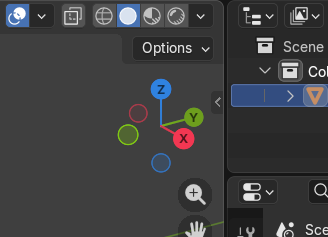
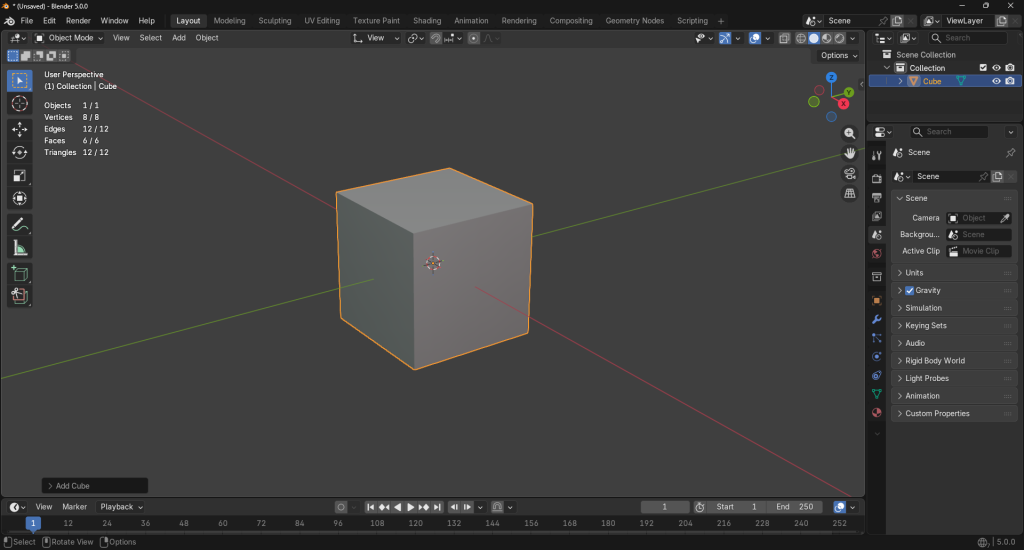
The orbit function allows you to rotate your view around the scene or selected object. To orbit in Blender, simply click and drag using the MMB. This lets you look at your model from different angles without moving its position.
When using a digital tablet with this software, be sure to enable the, “emulate 3 button mouse” option in preferences. This allows you to navigate using your pen!
Zoom
The zoom function is much more intuitive than the other two navigation controls. Like most software, zooming in Blender is as simple as using the scroll wheel on your mouse.
Pan
In order to move your view without orbiting, you would need to press SHIFT-MMB while dragging your mouse. This pans the viewport instead of rotating it, allowing you to move horizontally and vertically across your current view without changing the viewing angle.